

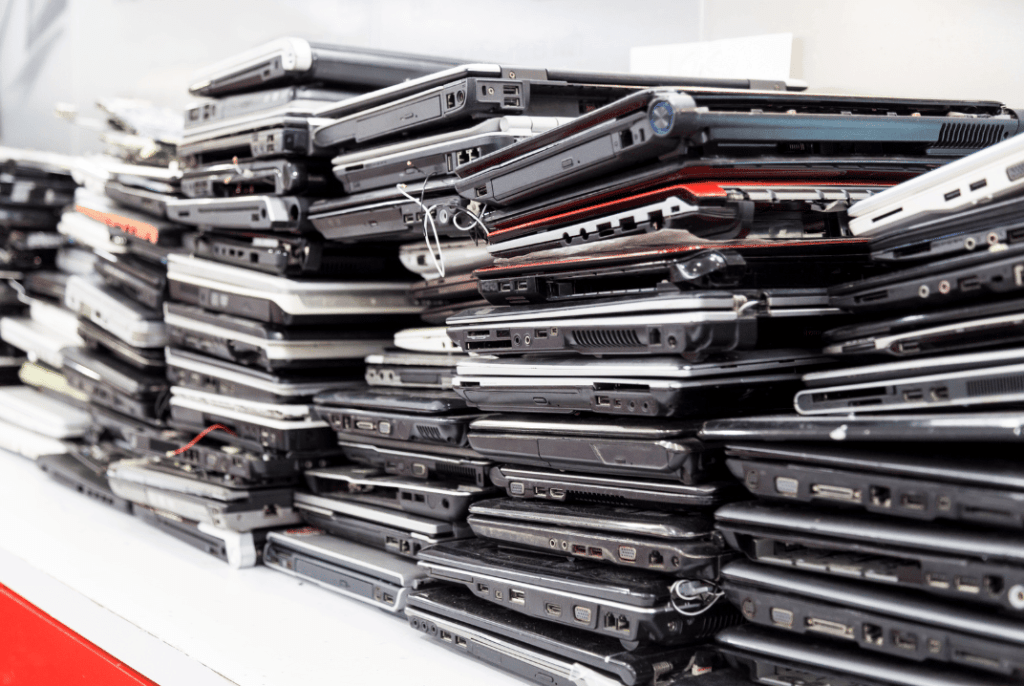
Recycling old laptops without risking your data is possible, but only when the process is handled correctly. For businesses, outdated laptops often contain years of emails, credentials, internal files, and access to cloud systems. Even when devices are no longer in use, the information stored on them can still be recovered if they are handled improperly.
The key is understanding what needs to happen before a laptop leaves your control and choosing a recycling path that addresses data responsibility from start to finish.
Many businesses assume that deleting files or performing a factory reset is enough before recycling a laptop. In reality, those steps often leave recoverable information behind. Storage devices can retain data fragments, user profiles, and system records that are not visible to the average user.
For companies managing employee devices, this becomes a serious concern. Laptops may include personal data, client information, financial records, or credentials that grant access to internal systems. Once a device leaves the office without proper handling, the company remains responsible for what happens to that data.
This is why recycling laptops should never be treated as a basic disposal task.
Before a laptop can move into any recycling stream, its data must be addressed in a controlled way. This step determines whether the device can be reused or must be dismantled.
Responsible recycling starts with identifying storage components and deciding how they will be handled. In some cases, data can be permanently removed so the laptop can be reused. In others, storage devices need to be physically destroyed to eliminate recovery risk.
What matters most for businesses is having certainty that data cannot be accessed again and that the process is documented.
At eSmart Recycling, we work specifically with old and outdated laptops from businesses, offices, and organizations. We receive devices that are no longer in use, assess their condition, and determine the safest path forward for each one.
We handle laptops that can still be reused as well as those that are no longer functional. In both cases, data is addressed before anything else happens. Laptops do not move forward in the process until storage components are handled under controlled conditions and recorded.
Our goal is simple. Old laptops leave our facility without data and without unanswered questions for the company that trusted us with them.
Not every old laptop needs to be destroyed. Many devices can be reused if they are still functional and meet certain criteria. Reuse can include internal redeployment, resale through approved channels, or donation through structured programs.
However, reuse only works when data has been fully addressed first. Without proper controls, reuse becomes a liability rather than a benefit.
The Environmental Protection Agency encourages the reuse of electronics when devices are handled responsibly and data risks are managed correctly.
For businesses, reuse should always be paired with records that confirm how data was handled before the laptop changed hands.
Older or damaged laptops are often not suitable for reuse. In these cases, devices are dismantled so materials can be recovered.
During dismantling, laptops are separated into components such as metals, plastics, batteries, and circuit boards. Storage devices are removed and handled separately to ensure data risks are eliminated. Materials are then sent to specialized processors that handle them according to environmental and safety requirements.
This stage requires oversight. Without tracking and downstream controls, laptops can end up in informal channels that expose businesses to unnecessary risk.
Not all recycling services follow the same rules. Certification plays a key role in determining how laptops and their data are handled.
R2v3 is one of the most widely recognized standards in the electronics recycling industry in the United States. It is managed by Sustainable Electronics Recycling International and defines requirements for data handling, environmental practices, worker safety, and downstream accountability.
Under R2v3-certified operations, recyclers must document how devices are processed and where materials are sent. These requirements are reviewed through independent audits.
We operate under R2v3 certification because businesses need confirmation that old laptops are recycled under verified processes, not assumptions.
https://sustainableelectronics.org/r2v3/
A secure laptop recycling process does not end when devices are collected. Businesses should expect documentation that supports what was done.
This includes inventory records, confirmation that data was addressed, and reports showing whether laptops were reused or dismantled. These documents support internal audits, compliance reviews, and sustainability reporting.
Without this information, recycling becomes a blind spot.
We work with businesses that want old laptops removed responsibly and permanently. At eSmart Recycling, we recycle outdated laptops under controlled, R2v3-certified processes and provide documentation that closes the loop.
For companies, recycling laptops should reduce risk, not create new concerns. Devices are handled properly, data is addressed before anything else, and records are delivered at the end. That clarity is why many organizations trust us to recycle their old laptops safely.
Fill out the form below to request your electronics recycling pickup.
We’ll coordinate the schedule logistics and follow up with next steps.

Over the past few weeks, two very different companies have made headlines across the United States: Wren Kitchens, the British kitchen retailer that partnered with Home Depot, and ARC Burger, one of the largest Hardee’s franchise operators. Both have shut down operations and filed for Chapter 7 bankruptcy, a full liquidation.
When a company closes like this, the story usually centers on layoffs and disappointed customers. But there’s another layer that rarely gets attention. Behind those closures sits a massive volume of equipment: electronics, commercial furniture, digital displays, computers, point-of-sale systems, LED lighting, appliances, and more.
And too often, if no one takes responsibility for what happens next, it all ends up in landfills.
That’s the sustainability lesson few are talking about.
Unlike Chapter 11, where a company attempts to restructure and stay alive, Chapter 7 is final. Assets are liquidated to pay creditors. Everything the business owns, from office laptops to industrial refrigerators, digital menu boards, ordering tablets, security systems, and even furniture with embedded electronics, is either sold off or discarded.
In the case of Wren Kitchens, which closed its 15 East Coast showrooms, that includes full kitchen displays, interactive systems, lighting setups, and design computers.
With ARC Burger, which shut down 77 restaurants, the scale is even larger: hundreds of commercial kitchen units, digital screens, POS systems, surveillance cameras, and heavy-duty appliances.
This is not a small clean-up. It’s a wave of physical assets, suddenly without a clear destination.
Every time a retail chain or restaurant group shuts down at scale, it generates a significant amount of electronic waste.
Many of these devices contain valuable and hazardous materials. Precious metals like gold, silver, and copper. Plastics that take decades to break down. Toxic substances such as lead, mercury, and flame retardants.
When not handled properly, these materials don’t just disappear. They seep into soil. They reach water systems. They stay.
Retail and restaurant sectors generate thousands of tons of electronic waste every year from upgrades, closures, and bankruptcies. A large portion still ends up in standard landfills instead of being recovered.
This is where we come in at eSmart Recycling.
Instead of letting these assets become waste, there’s another path.
Equipment that still works, like laptops, monitors, and tablets, can be refurbished and used again. Devices that no longer function can be responsibly recycled, recovering valuable materials and reducing the need for new extraction. And anything that stores sensitive data can be securely destroyed under strict standards.
This not only reduces environmental harm but also helps companies handle closures in a more responsible and controlled way. Liquidators and operators are increasingly looking for partners who can manage this process properly.
If you were affected by the closure of Wren Kitchens or ARC Burger, hold on to any electronic equipment you may have received or purchased. Throwing it away should not be the default.
If you manage a business or leftover inventory, certified recycling is a better route than disposal.
If you are involved in bankruptcy or liquidation processes, working with a specialized recycling partner brings order to what can easily become a messy and risky situation.
Chapter 7 bankruptcies remind us that a product’s life does not end when a company shuts its doors. That moment creates a new decision point.
What happens next matters.
At eSmart Recycling, we work with companies, franchises, and individuals to handle electronic waste responsibly, from secure data destruction to refurbishment and certified recycling, aligned with R2 standards and environmental regulations.
If you have equipment you no longer need due to upgrades, closures, or liquidation, reach out.
We help you extend the life of what still works and safely recycle the rest.

On April 27, 2026, thousands of companies across the United States realized at the same time that they couldn’t access their email. Outlook has been down since early morning, and Microsoft confirmed it on its Service Health page. No es la primera vez. No va a ser la última. And it’s worth asking what this says about how we work today.
If you landed here trying to fix Outlook today, the official resources mentioned below will help you more than we will. But if you keep reading, there’s a part of the problem that sits on our side and that few companies address.
The outage started around 5 AM Eastern Time. Reports on Downdetector have stayed consistent at around 1,500 per hour, which indicates the issue is still active. Microsoft confirmed “service degradation” and published that their teams are investigating.
The symptoms are consistent:
It affects:
This is not a problem with your computer or your local network.
Three places worth bookmarking for any future outage:
We're investigating an issue where users may be experiencing intermittent issues accessing https://t.co/ZUfyjth6sU. For more information, please visit https://t.co/uSHwRmXFJZ.
— Microsoft 365 Status (@MSFT365Status) April 27, 2026
One recommendation: when the outage is server-side, don’t troubleshoot on the client side. Changing passwords, clearing cache, or reinstalling the app won’t fix anything and can sometimes make things worse when the service comes back.
Five practical things:
Having a plan before an outage matters more than improvising during one.
The first thing is to have a defined backup channel that everyone knows. If the first time your team uses Slack seriously is during a crisis, there will be friction. The second is to assign a single person to communicate updates. Without that, five people forward different information, and no one knows what to believe.
And the third, which sounds obvious but still happens: don’t send emails about an email outage.
Every time a mainstream service fails, an uncomfortable truth becomes visible: companies depend on infrastructure they don’t control. Outlook today. Slack another time. AWS, GitHub, Stripe, Zoom. All have had major outages in recent years.
That doesn’t mean the cloud is bad or that companies should go back to on-prem servers. It means technological dependency has layers, and it’s worth looking at all of them honestly. There is critical data in the cloud. There is data on the computers your team uses every day. And there is data on computers your team stopped using a year ago, sitting in a storage room or closet, waiting for someone to make a decision about them.
The first two layers get attention. The third rarely does. But that data is still there, still recoverable with modern tools, and still the responsibility of the company that generated it.
eSmart Recycling doesn’t fix outages or email issues. What we do, and what we’ve been doing from Tampa for companies in Florida and nationwide, is handle the last layer of that technological dependency: hardware you no longer use but that still contains data.
We collect laptops, desktops, servers, hard drives, and mobile devices directly from your office. We perform auditing and inventory. We physically destroy the data, complying with HIPAA, R2v3, and DoD standards. We provide a certificate of destruction and an environmental impact report. What can be refurbished is redistributed to communities with less access to technology. What can’t be recycled by components?
If your company has accumulated equipment over the years and no one has made a decision about what to do with it, that’s the conversation we actually have. Outlook will come back today or tomorrow. The laptops in your storage room have been there for months.
When you’re ready to resolve that part, contact us at info@esmartrecycling.com or call (813) 501-7768.
eSmart Recycling | 5100 Vivian Place, Tampa, FL 33619 | (813) 501-7768 | info@esmartrecycling.com
Talking with IT departments about data destruction is a consistent experience. Most have good intentions. Almost all believe they are doing the right thing. And many are operating under myths that wouldn’t survive five minutes in an audit.
This is not an attack on the field. It’s the reality of a space where information changes fast, standards get updated, and what was true seven years ago may be false today. The problem is when those myths stick, and a company in Tampa Bay discovers, in the middle of an audit, a breach, or a lawsuit, that their “data destruction” didn’t destroy anything.
These are the five myths we see most often, and why each one is a silent risk.
What many people believe: move files to the trash, empty it, and that’s it. Data gone.
The reality: deleting a file only removes the reference the operating system uses to find it. The data still physically exists on the disk until something new overwrites it. Any free recovery software can read it in minutes.
It’s like crossing out an entry in a book’s index. The page is still there. You just removed the direction to find it.
What NIST 800-88 says: deleting files does not even qualify as “Clear,” the lowest level of sanitization. To meet Clear, every storage block must be overwritten with new data.
What many people believe: a full disk format leaves everything clean, ready to resell or recycle.
The reality: a standard format (quick format) does the same as deleting files at scale. It removes the tables that index where each piece of data is, but leaves the data intact in the physical sectors. A “full format” in recent Windows versions does overwrite, but not in a verifiable way under audit standards.
The real test: if, after formatting, you can run software like Recuva or PhotoRec and recover files, you didn’t destroy anything. You just hid it poorly.
What NIST 800-88 says: formatting is not recognized as a sanitization method. For Purge level, you need verified overwriting or cryptographic erase. For the Destroy level, you need certified physical destruction.
What many people believe: restoring to factory settings equals data destruction. This applies to smartphones, laptops, and corporate tablets.
The reality: there is an important nuance here, because the answer changed in the last five years.
For modern devices with hardware encryption enabled (iPhone post-2014, Android 6 and above with file-based encryption, Macs with T2 or Apple Silicon), a factory reset deletes the cryptographic keys. Without the keys, encrypted data becomes mathematically unrecoverable. In these cases, a factory reset works as a valid sanitization.
For everything else (older Windows phones, Android devices without encryption enabled, Windows laptops with HDDs without BitLocker, pre-2015 devices), a factory reset is essentially equivalent to formatting. Recovery is possible with basic tools.
What NIST 800-88 says: a factory reset can qualify as Purge-level sanitization only if the device uses verifiable hardware encryption. If not, it is not sufficient. Your IT department must document case by case, not assume.
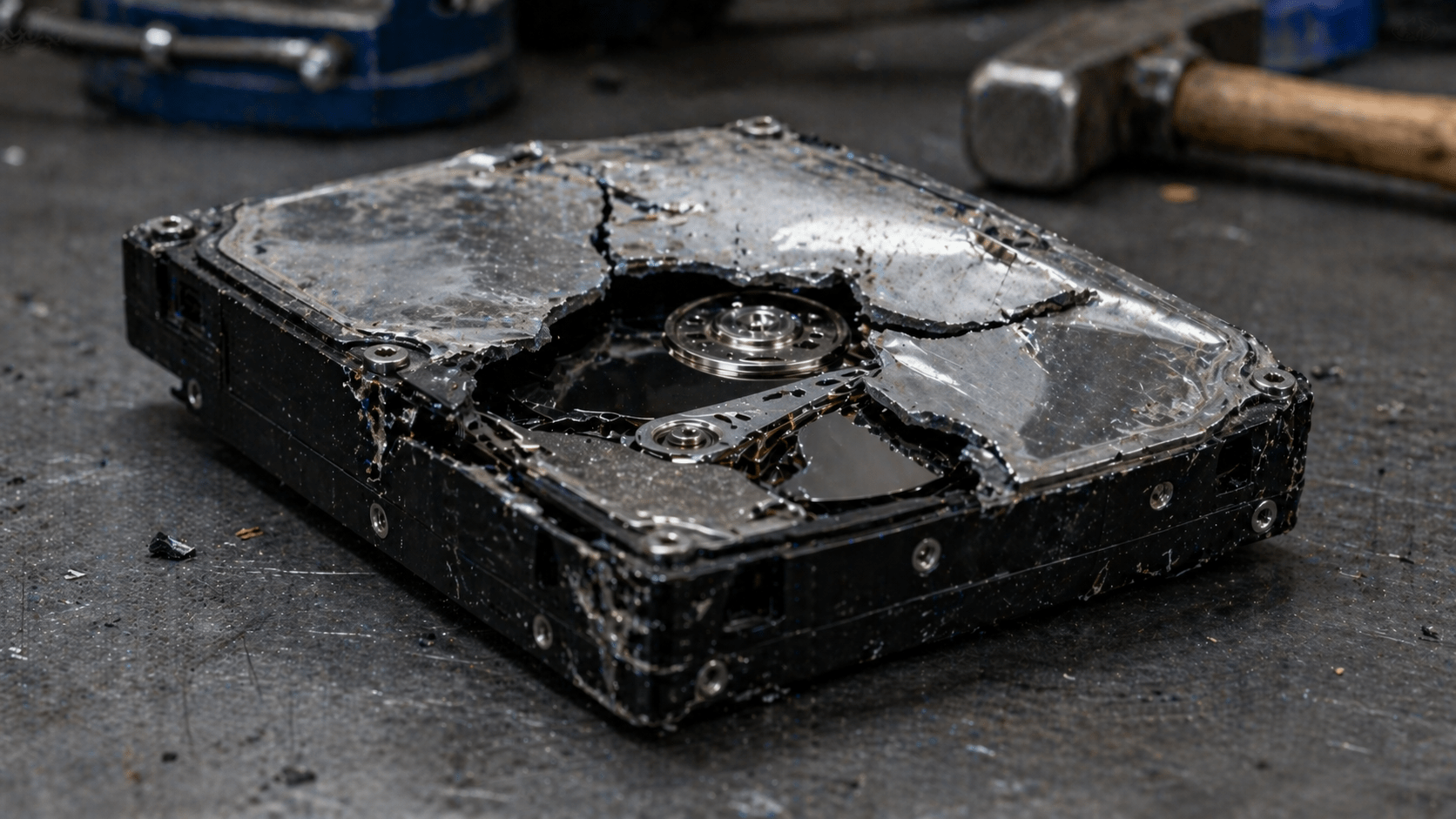
What many people believe: physically damaging a drive with a hammer, drill, or by dropping it from a height permanently destroys the data.
The reality: it depends on the level of damage and the type of drive. An HDD with magnetic platters can still be partially recovered if the platters are intact, even if the electronics are destroyed. Forensic labs can read data from magnetic fragments the size of a fingernail.
SSDs are worse. They have multiple NAND chips distributed across the board. If a single chip survives intact, it contains recoverable data. Breaking an SSD with a household hammer leaves functional chips in 7 out of 10 cases.
Beyond the security issue, hitting drives with improvised tools releases materials like mercury, lead, and cadmium. This is illegal in Florida under e-waste regulations.
What NIST 800-88 says: physical destruction must reduce the media to particles of a verifiable size. For HDDs, fragments smaller than 6 mm. For SSDs with highly sensitive data, particles smaller than 2 mm. This requires certified industrial shredders, not hammers in a parking lot.
What many people believe: a drive that doesn’t boot, mount, or show hardware errors is effectively dead. It can be thrown away without risk.
The reality: most drive failures are electronic, not in the data. An HDD with a burned motor, damaged heads, or a failed controller can still have perfectly readable data if the platters are intact. Professional recovery services like Ontrack or DriveSavers recover data from “dead” drives every day.
For SSDs, common failures like controller failure do not affect the NAND chips where data resides. A technician with specialized equipment can read the chips directly.
If your IT department discards broken drives without sanitization because “they no longer work,” it is leaving complete data in the trash.
What NIST 800-88 says: the functional state of the media does not change the obligation to sanitize. A drive that does not power on must be treated with the same protocol as an active drive: Clear, Purge, or Destroy, depending on the sensitivity of the data it contained.
Three quick questions for self-assessment:
Three “no” answers mean your company is more exposed than it thinks.
Fines for a data breach in the U.S. start in six figures and escalate quickly when HIPAA, GLBA, or SOX are involved. The cost of a certified data destruction provider fits within a typical quarterly budget.
The math is not complicated. What is complicated is unlearning myths that have circulated for years in IT departments as if they were best practices.
At eSmart Recycling, we work with companies in Tampa Bay to audit existing protocols, identify where they are operating under myths, and replace them with certified R2v3 and NIST 800-88 processes. If, after reading this, you have doubts about your own process, reach out. It is better to find the problem in a conversation than in a failed audit.
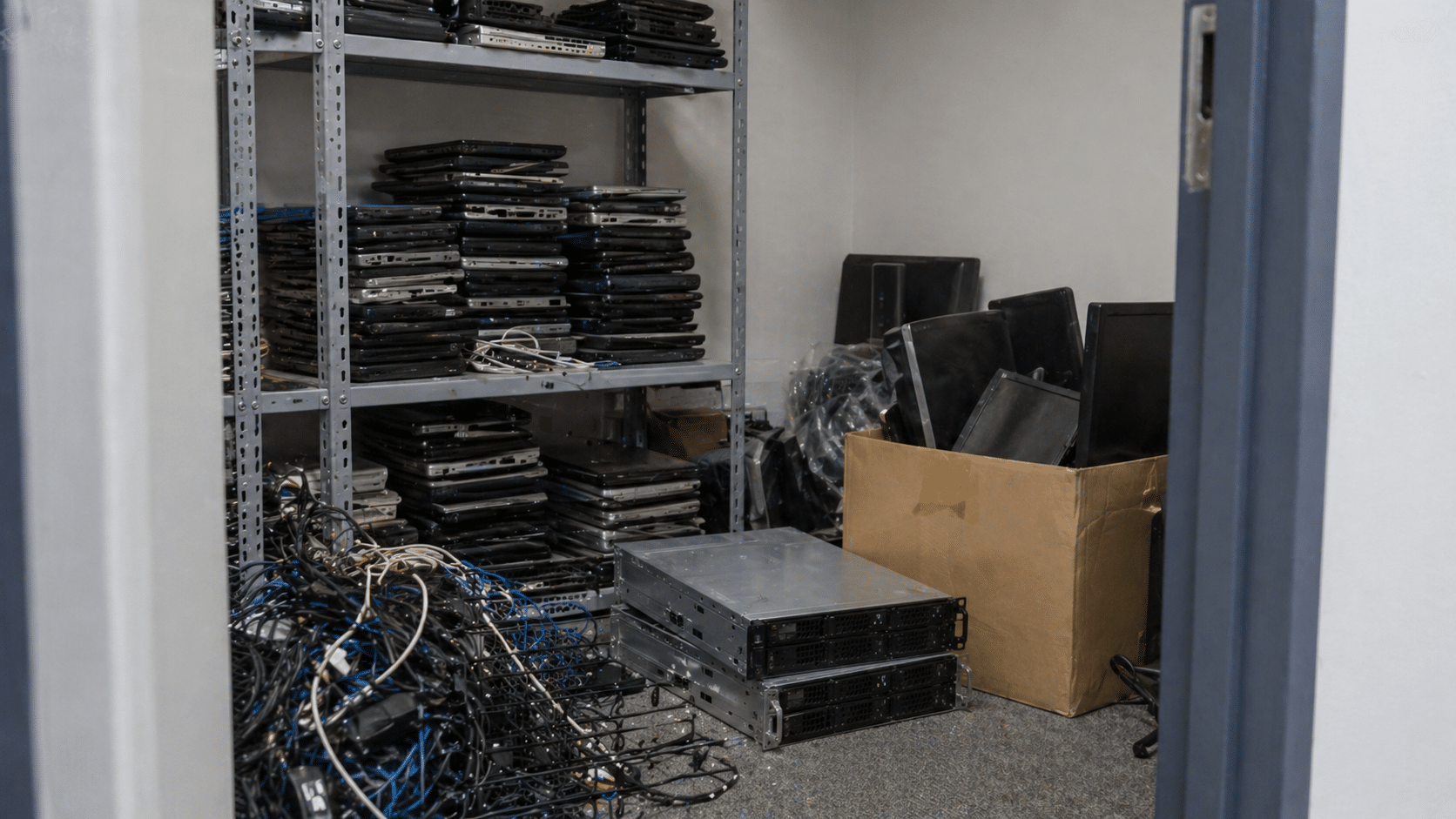
Almost no company in Tampa Bay has a formal e-waste management plan. What they have is a closet with old laptops, a rack with powered-off servers, a shelf full of cables no one knows where they came from, and a tacit agreement that “someone should do something about this at some point.”
That’s not a plan. That’s a compliance time bomb.
If your company handles customer data, equipment recorded as fixed assets, or has any regulatory obligation (HIPAA, GLBA, SOX, PCI-DSS), then it needs a documented plan. The question is not whether you need it, but how far you are from having one.
These 12 questions will tell you. Answer them honestly: every “no” is a crack where a fine or a breach can come through.
Not “more or less.” Exact number. If the answer is “like 30 or 40 laptops, I think,” there’s already a problem. Without inventory, there is no plan.
If no one is responsible, everyone is responsible. And that means nothing will get done until it’s too late.
An Excel sheet works. Formal asset management works better. What doesn’t work is relying on the IT manager’s memory.
“We run a formatter on it” is not a protocol. A protocol defines: what method is used depending on the media type, who executes it, and how it is documented.
If the answer is “it’s the same,” the protocol is broken. SSDs are not sanitized using HDD methods, and vice versa.
If you’ve never heard these terms, your auditor will use them when the time comes.
A generic certificate that says “we destroyed 50 items” is not enough to defend yourself in an audit. Every serial must be traceable.
If not, it’s not a vendor. It’s a transfer point. And your legal responsibility travels with the equipment all the way to its final destination.
Without this, you cannot prove where each drive ended up if you’re asked.
A one-page document signed by the CEO or COO. It doesn’t need to be a novel. It needs to exist.
If the answer is “they tell IT, and that’s it,” the policy is incomplete. Employees should know: where to leave it, what information to remove beforehand, and who confirms receipt.
That ratio is one of the most visible KPIs for corporate circular economy programs.
11 to 12 yes answers: your company has a functional plan. Maintain discipline and review annually.
7 to 10 yes answers: you have the foundation. The gaps are where the risks are. Identify the “no” answers and turn them into a quarterly project.
4 to 6 yes answers: you are improvising with luck. You’ve gone this long without an incident, but the probability increases every month. You need a formal plan before the end of the year.
0 to 3 yes answers: your company does not have an e-waste plan. What it has is exposure. The good news is it’s not complicated to build; the bad news is it won’t build itself.
An e-waste management plan is not an 80-page document. For a mid-sized company in Tampa Bay, it’s six well-made decisions:
Who is responsible? How inventory is tracked. What data destruction method is used? Who the certified recycling provider is. How each retirement is documented. When the plan is reviewed.
The hard part is not writing it. The hard part is executing it every time a device leaves use, not just when 50 of them pile up in a closet.
At eSmart Recycling, we help companies in Tampa Bay build the plan from scratch or audit the one they already have. If, after these 12 questions, you have more “no” answers than “yes,” reach out. The initial conversation costs nothing and usually saves far more than what a breach or a failed audit ends up costing.

The day it went into production. And the day it needs to be retired.
The first one is usually well-documented: rack number, configuration, IP address, and purpose. The second one rarely is. When it’s time to decommission servers in a company in Tampa, the uncomfortable questions show up. Who validates that the data was destroyed? What happens with drives in RAID? Do we have an auditable certification? Does the recycling vendor comply with HIPAA, GLBA, or SOX, depending on what applies?
This blog organizes the process so next time you don’t improvise. Server by server, step by step, with the standards your auditor will ask for.
A lot of people treat server retirement like a laptop with more RAM. That’s a mistake that gets expensive.
Servers have specific characteristics that change the entire sanitization process:
Treating a server with the same protocol as a laptop is the perfect recipe for a breach you won’t detect until the next audit.
NIST Special Publication 800-88 Revision 1 is the federal standard for media sanitization and the compliance base for HIPAA, GLBA, SOX, and PCI-DSS. It defines three levels:
For retired corporate servers, the practical rule is simple: if the drives are leaving your control, use Purge or Destroy. The exact level depends on data sensitivity. If you handle PHI under HIPAA, financial data under GLBA, or classified information under CMMC, Destroy is the path.
This is the workflow we follow at eSmart Recycling with clients in Tampa Bay:
Step five is the one your auditor checks first. If you don’t have certificates connecting each serial to the original server, everything else becomes questionable.
Before signing with any ITAD provider in Tampa, demand clear answers to this:
If any answer is vague, find another provider. The difference between a proper process and an improvised one is measured in fines that start in six figures when there’s a breach.
A B2B client in Tampa Bay, in the financial sector, contacted eSmart Recycling after a refresh cycle. Twelve Dell PowerEdge servers in production for six years, RAID 10 with enterprise SSDs, customer data under GLBA. The company had considered donating the servers to a regional office to extend their use.
Initial audit showed the SSDs did not support verifiable cryptographic erase and that the iDRAC consoles still had active credentials from three administrators who were no longer with the company. Donating them without full sanitization was not viable.
Final process: physical destruction of 48 SSDs at the eSmart Recycling warehouse, sanitization of iDRAC and BMC, R2v3 recycling of remaining hardware, and per-server certificates with each drive’s serial. Total time: 72 hours from pickup to documentation delivery.
Retiring servers costs time, money, and coordination. Doing it wrong costs fines, lawsuits, lost clients, and sleepless nights. The math is simple.
If your company in Tampa Bay has servers at end of life, hardware sitting from a past refresh cycle, or a datacenter being consolidated, the time to plan is now. The longer drives sit in a closet, the higher the chance someone moves them without protocol.
At eSmart Recycling, we handle everything from single-server retirements to full datacenter migrations. Audit, NIST 800-88 sanitization, serial-level certificates, R2v3 recycling, fully documented. Reach out before that closet turns into an audit finding.
Microsoft ended support for Windows 10 on October 14, 2025. You stopped receiving security updates, patches, technical support. Nothing.
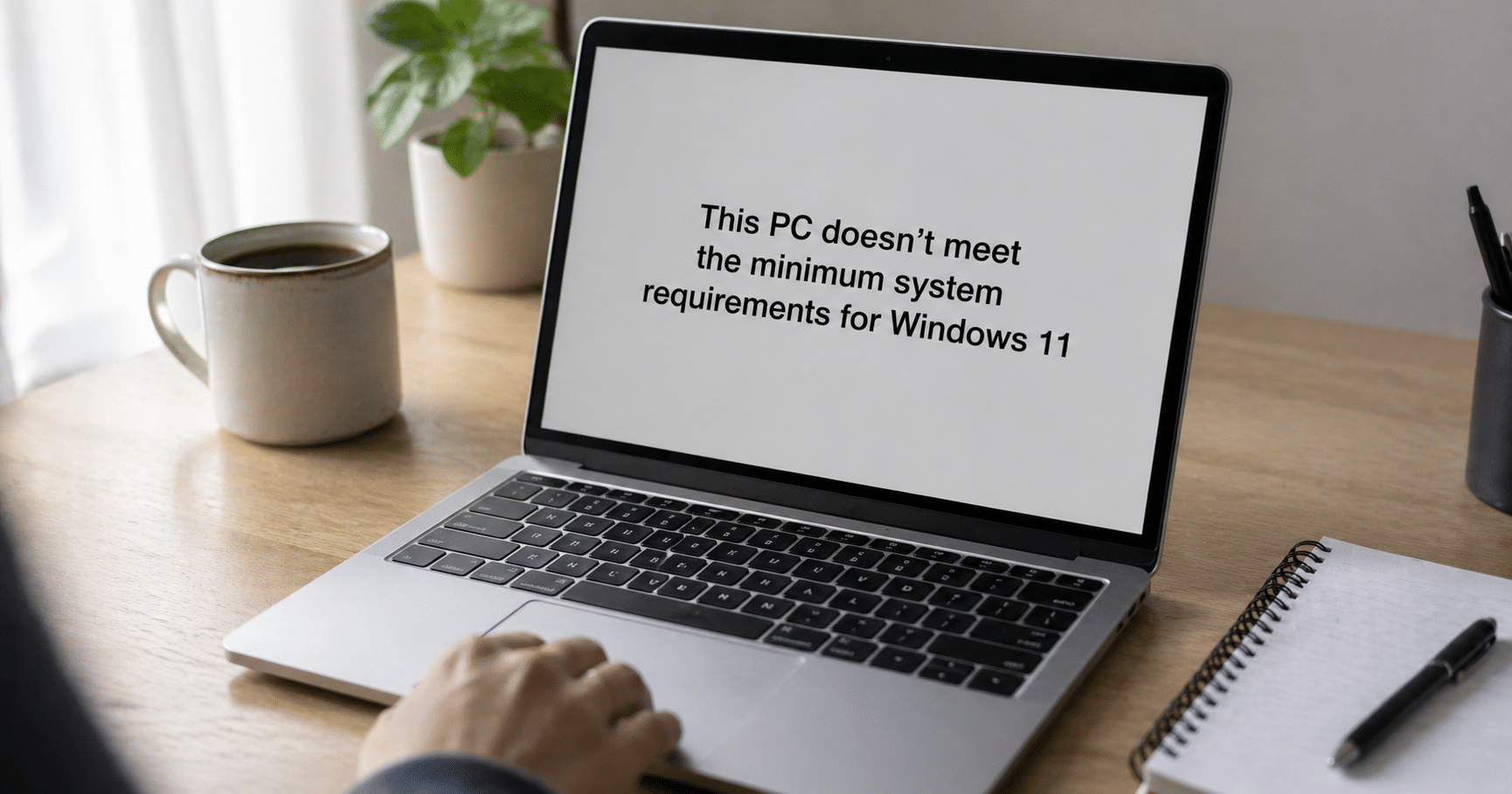
The logical move was to upgrade to Windows 11 and move on. But you opened the update menu, clicked, and got the message: “this PC doesn’t meet the minimum requirements.” Your PC is five years old, works fine, has never failed you. And now Microsoft tells you it’s no longer usable.
You’re not alone. At the time support ended, there were more than 400 million PCs worldwide running Windows 10, and a huge portion of those can’t upgrade to Windows 11 due to hardware requirements like TPM 2.0 or a compatible CPU.
Here are the four real options you have in Tampa, ordered from most conservative to most radical.
Microsoft offers the Extended Security Updates (ESU) program for consumers. It gives you security patches until October 13, 2026. One extra year, nothing more.
Three ways to access it:
Free if you agree to sync your PC settings with a Microsoft account
1,000 Microsoft Rewards points
One-time payment of $30 per Microsoft account (covers up to 10 devices)
What you get: critical and security patches. No new features, no technical support, no fixes for other bugs. It’s a delay, not a solution.
For companies it’s different: corporate ESU runs until October 2028, but pricing starts at $61 per device in the first year and doubles each following year. For an office with 50 machines, the math gets ugly fast.
If your device is already five or six years old, it probably doesn’t just fail Windows 11 requirements. Degraded battery, slow drive, noisy fans, insufficient memory for current workloads. ESU only delays the inevitable.
Buying new solves the problem at the root, but opens the next question: what do you do with the old machine?
Never throw it in the trash. PCs contain lithium in batteries, mercury in some displays, lead in board solder. Throwing them in the gray bin is illegal in Florida and contaminates soil and water. On top of that, the hard drive holds years of your data: accounts, photos, documents, saved passwords in your browser.
The clean option: take it to one of our Community Collection Partners in Tampa Bay. These are local businesses partnered with the eSmart program that accept devices with no paperwork, no ID. We destroy data following NIST SP 800-88 standards, and anything that can’t be reused goes to certified R2v3 recycling.
List of locations: esmartrecycling.com/community-collection-partner-program
If your PC works fine mechanically and only Windows is the issue, Linux is a real alternative. Distributions like Ubuntu, Linux Mint or Zorin OS run smoothly on hardware up to 10 years old, are free, and receive continuous security updates.
This path has trade-offs: a learning curve, incompatibility with some specific software (Adobe Creative Cloud, certain games, some US accounting software). But for browsing, email, documents, video calls, and streaming, it’s more than enough.
This route extends the device’s lifespan by 3 to 5 more years. It’s the most sustainable option if your usage is basic.
A Windows 10 PC without support can still work for tasks where security is not critical: a media center connected to your TV, a retro gaming console, a dedicated office printing machine with no internet access.
That said: disconnect it from public networks and your personal email. Without security patches, every new vulnerability discovered stays open.
Here the calculation changes completely. An office in Tampa with 50 Windows 10 machines is looking at three numbers at once: the cost of corporate ESU ($61 per PC year one, $122 year two), the cost of replacing hardware, and compliance risk if handling sensitive data under HIPAA, GLBA, or FERPA.
At eSmart, we help Tampa Bay companies make a structured transition: audit which machines can migrate to Windows 11, certified data destruction for those being retired, documentation for audits, and R2v3 recycling for what can’t be reused.
All four options are valid depending on your case. If your device is relatively new and works well, Linux gives you extra years without spending money. If you rely on it for everything and security matters, replacing it is the sensible move. If you’re not ready, ESU buys you time. If you want to turn it into a media center, go ahead.
The only bad option is leaving it connected to the internet, with your data inside, using it normally, and hoping nothing happens. Every month without security patches is another month of exposure.
Pick your path, execute it, move on. And if you decide to retire the device, don’t leave it in a drawer for another three years. Stop by a Community Collection Partner and close the loop.







Did you enjoy our latest blog articles just above?
Subscribe to receive new stories, insights, and impact updates straight to your inbox.
We’ll send you curated content about our partners, recycling strategies, success stories, and how your involvement is driving change through technology access and digital empowerment.
💡 No spam, just the smart stuff.