
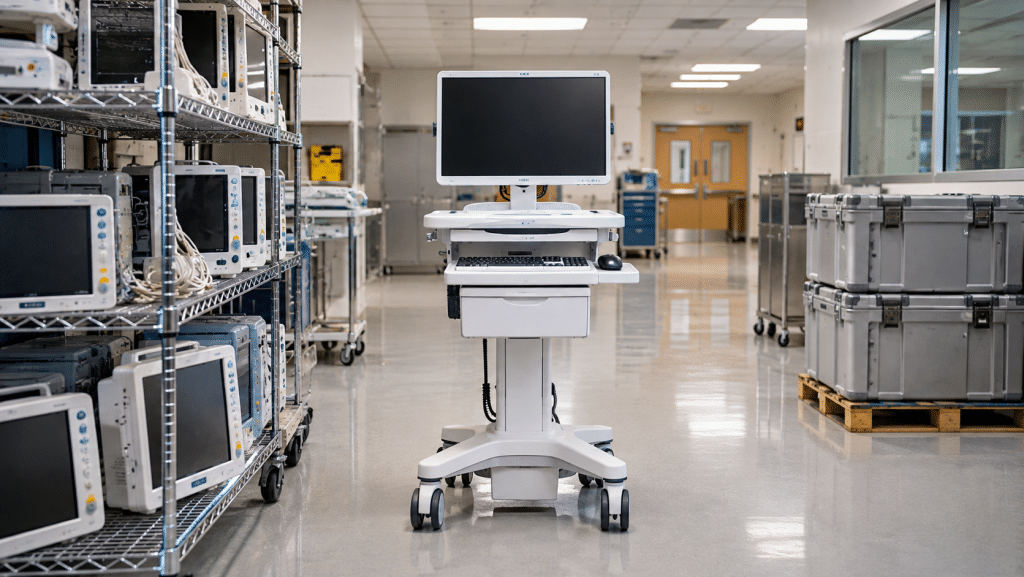
Healthcare facilities generate a wide range of electronic equipment that eventually reaches the end of its useful life. Hospitals, regional clinical networks, and medical practices regularly upgrade computers, diagnostic systems, networking equipment, and other technology. Responsible electronics recycling helps these organizations manage retired equipment while supporting material recovery, refurbishment, and environmental sustainability.
Electronic equipment in healthcare environments extends far beyond standard desktop computers. Many departments rely on specialized technology that can also become part of an organized electronics recycling program:
Mobile computer carts (COWs/WOWs), clinical tablets, bedside workstations, and electronic accessories used throughout patient care facilities.
Radiology workstations, diagnostic displays, Picture Archiving and Communication System (PACS) servers, and supporting computer equipment.
Laboratory computer systems, telemetry workstations, network gateways, servers, and other electronic equipment supporting healthcare operations.
Healthcare organizations can establish a structured electronics recycling program to coordinate equipment collection, protect operational records, and identify devices and components suitable for reuse:
Yes. Depending on their condition, age, and hardware specifications, retired computers may be suitable for refurbishment and reuse. Healthcare organizations should ensure that all applicable patient information and institutional data are handled by their authorized IT and privacy teams before equipment is released for reuse or recycling.
Organizations can maintain collection records, equipment inventories, pickup documentation, weight reports, and information about downstream recycling destinations. These records help healthcare facilities track retired technology and support internal environmental and sustainability reporting.
Fill out the form below to request your electronics recycling pickup.
We’ll coordinate the schedule logistics and follow up with next steps.
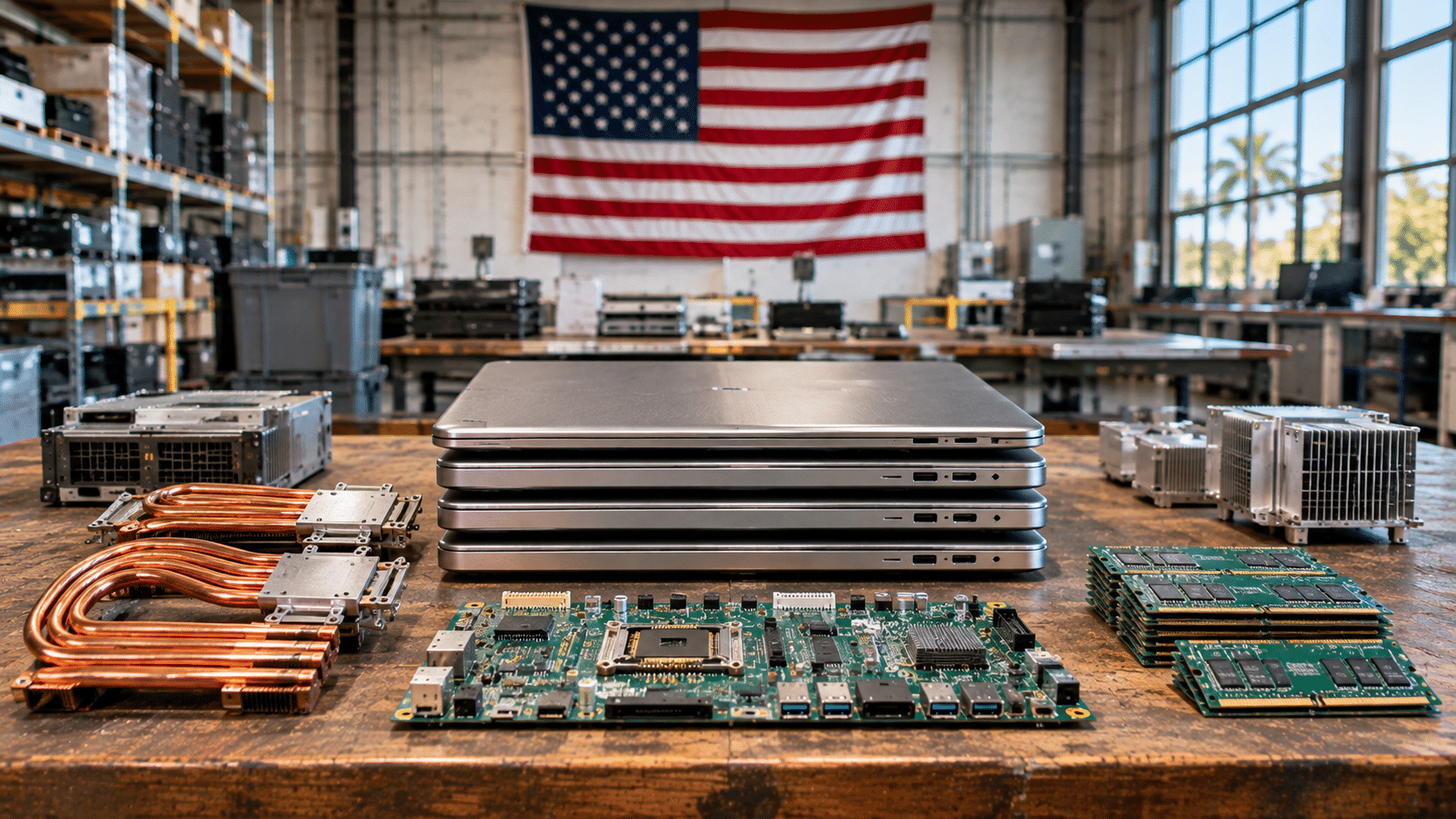
Celebrate national recycling leadership right here in Tampa Bay! On Saturday, November 14, 2026, eSmart Recycling opens the doors of its central processing facility for our premier America Recycles Day community electronics drive and live data destruction experience.
Location: eSmart Recycling Warehouse — 5100 Vivian Place, Tampa, FL 33619
Intake format: Full drive-up service. Our warehouse logistics team unloads all equipment directly from your vehicle trunk or back seat.
Aligned with national recycling benchmarks established by the U.S. Environmental Protection Agency (EPA), our Tampa event provides a transparent, secure, and rewarding recycling experience:
Drive directly into our sheltered receiving bay. Experienced staff handle all heavy lifting, sorting hardware into designated industrial containers.
Watch your magnetic storage platters and solid-state drives physically sheared into micro-shreds following strict NIST SP 800-88 guidelines.
Receive an authenticated Certificate of Destruction confirming that all digital media has been rendered irreversibly destroyed.
Eligible laptops and desktop workstations are refurbished to equip digital learning labs through the Digital Education Foundation.
Gather your retired technology and bring it to our intake bay. We welcome all consumer, home office, and enterprise electronics:
| Category | Included hardware items | Processing path |
|---|---|---|
| Computing systems | Laptops, desktop PC towers, all-in-one workstations, servers | Refurbished for schools or dismantled for clean metallurgy |
| Data storage media | Mechanical hard drives, SSDs, flash memory, backup tapes | Live high-torque physical shredding and smelting |
| Displays and monitors | Flat-panel LCD, LED, and OLED computer screens | Testing for classroom redeployment or component recycling |
| Cables and peripherals | Power cords, HDMI cables, chargers, adapters, mice, keyboards | High-purity secondary copper and plastic recovery |
| Mobile devices | Smartphones, tablets, e-readers, cellular modems | Certified data wipe, battery safety inspection and triage |
Recycling with family and kids? Download our illustrated 4-page educational activity guide. Follow young tech detectives solving the mystery of forgotten devices, and use the handy refrigerator checklist to turn your household cleanout into an exciting weekend project.
To ensure a seamless, enjoyable visit to our facility on Saturday, November 14, complete these simple preparatory steps:
Dedicated intake arrangements for Florida businesses and institutions.
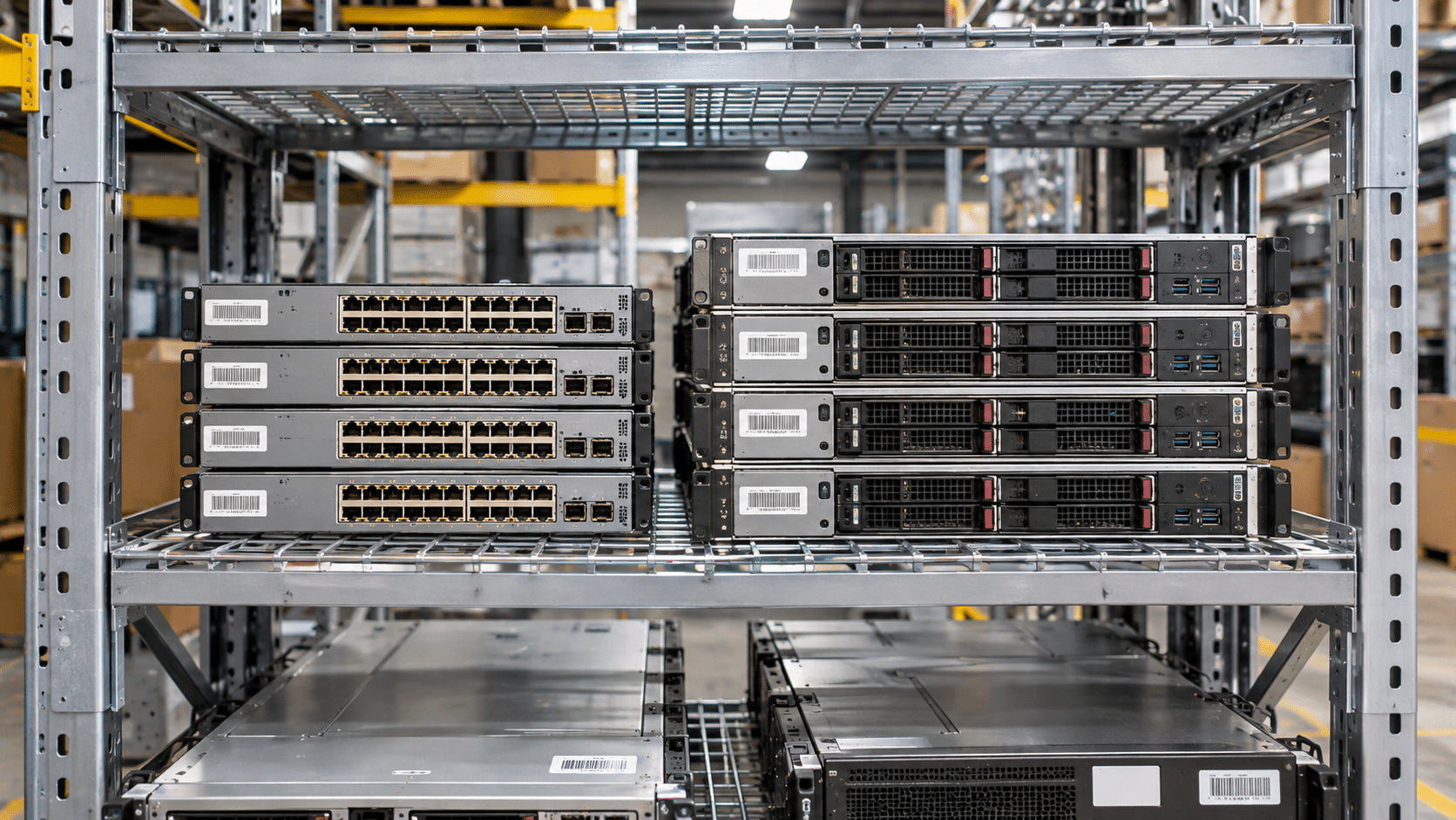
Retiring enterprise technology comes with financial and operational decisions. Computers, laptops, servers, and other electronic equipment can take up valuable storage space after a company replaces them. A planned electronics recycling program helps businesses assess which devices may be suitable for reuse, recover value from eligible equipment, and direct materials toward responsible recycling.
A well-planned retirement program considers several factors when evaluating the financial value of surplus technology:
+ Reuse Value
Assessing functional devices for refurbishment, resale, or donation
+ Storage Savings
Freeing warehouse space, storage rooms, and office areas
+ Community Giving
Directing eligible computers and devices toward educational programs
– Program Costs
Collection, transportation, evaluation, and processing expenses
Retired equipment can lose resale appeal while sitting unused. Newer models enter the market, software requirements change, and batteries may deteriorate during extended storage. The actual rate of depreciation depends on the device, its condition, age, specifications, and market demand.
| Time After Retirement | Potential Market Considerations | Equipment Condition | Recommended Action |
|---|---|---|---|
| Recently Retired | Specifications may remain attractive to buyers and reuse programs | Devices may retain useful components and battery capacity | Schedule an equipment assessment and collection |
| Several Months | Newer models may affect demand and resale pricing | Stored batteries and components may require inspection | Organize equipment by type, age, and condition |
| Six Months or More | Older specifications may have fewer reuse or resale options | Battery condition and hardware performance may need closer evaluation | Evaluate suitable devices for refurbishment and donation |
| One Year or More | Market demand may be limited for outdated equipment | Some devices may have damaged batteries or unusable components | Route unsuitable equipment to appropriate material recovery channels |
Consider a company retiring 500 business laptops, each approximately three years old. The equipment has been replaced, but the former devices remain in storage while the company decides what to do with them.
Companies considering donations may also want to ask a qualified tax professional whether their equipment and donation arrangements meet the requirements for a federal tax deduction under applicable provisions, including IRC Section 170(e)(3). Eligibility depends on the organization, recipient, property, and transaction details.
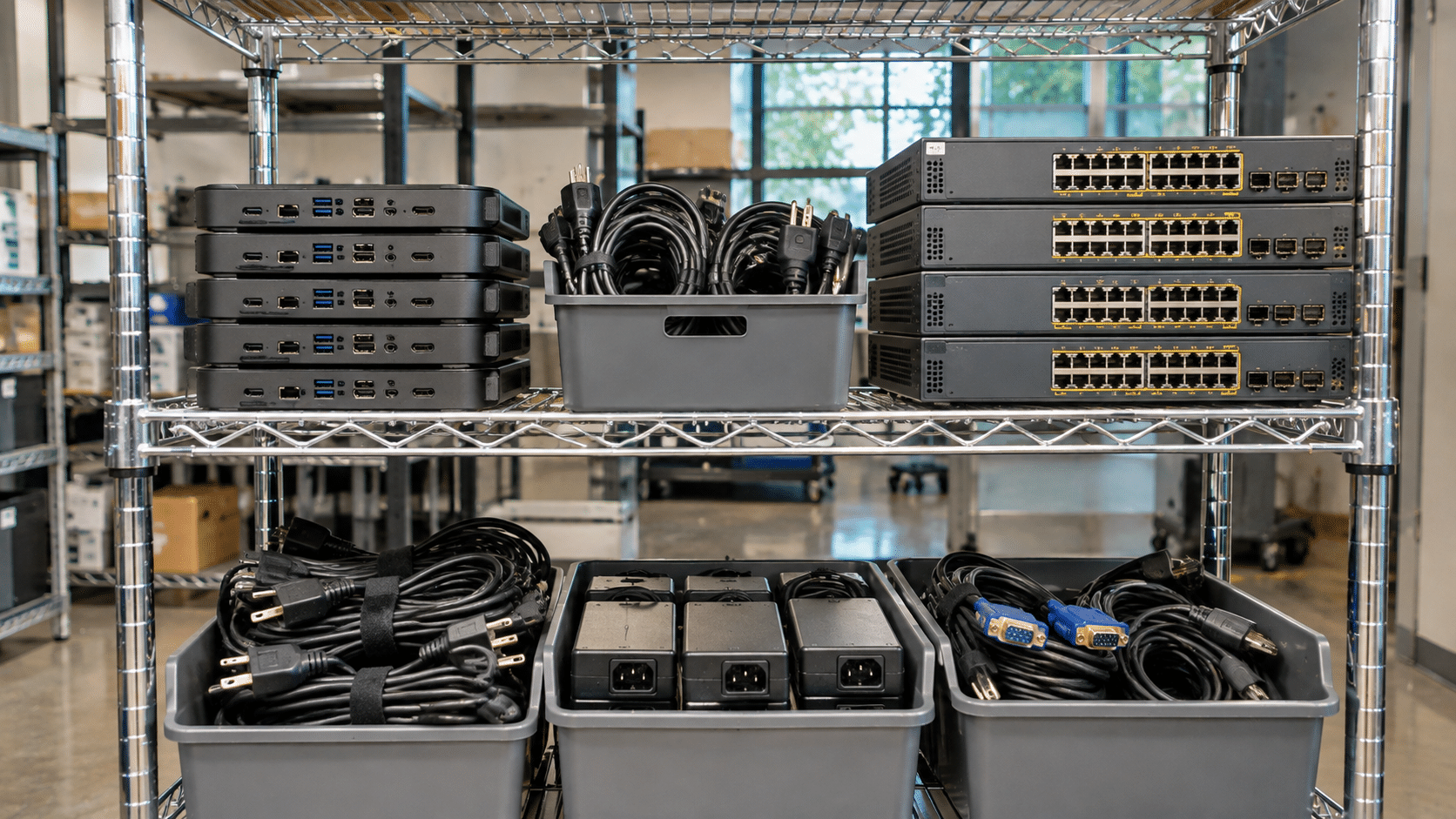
Growing companies regularly retire computers, servers, and other electronic equipment. Business acquisitions, office changes, and scheduled technology upgrades can leave storage rooms filled with unused devices. Over time, these items take up valuable space and require attention from facilities and IT teams. A planned electronics collection program helps businesses sort retired equipment and direct each item toward an appropriate next step.
Before arranging a collection, businesses can review their retired equipment and group it according to its condition, age, and potential for continued use. Three main categories help guide the process:
CATEGORY 1
Keep functional computers, monitors, docks, and peripherals in service through internal reassignment or suitable resale channels.
CATEGORY 2
Evaluate suitable laptops and desktops for repair, component replacement, and preparation for future users, including educational programs.
CATEGORY 3
Identify usable components, such as memory modules, power supplies, and processors, that may support repairs or further equipment use.
CATEGORY 4
Send equipment that cannot be reused or refurbished to appropriate recycling facilities for material separation and recovery.
CATEGORY 5
Set aside items such as batteries and certain electronic components that require specific collection, transportation, or recycling procedures.
Server rooms and data centers often contain several types of equipment that need to be identified and sorted before collection. A clear inventory helps determine the appropriate handling route for each item.
Before releasing computers, servers, or storage devices, companies should remove their asset tags and company labels when appropriate. Their IT teams should also complete any required internal data and privacy procedures. Once the equipment is ready, an organized inventory can help the recycling partner identify device types, quantities, and handling requirements.
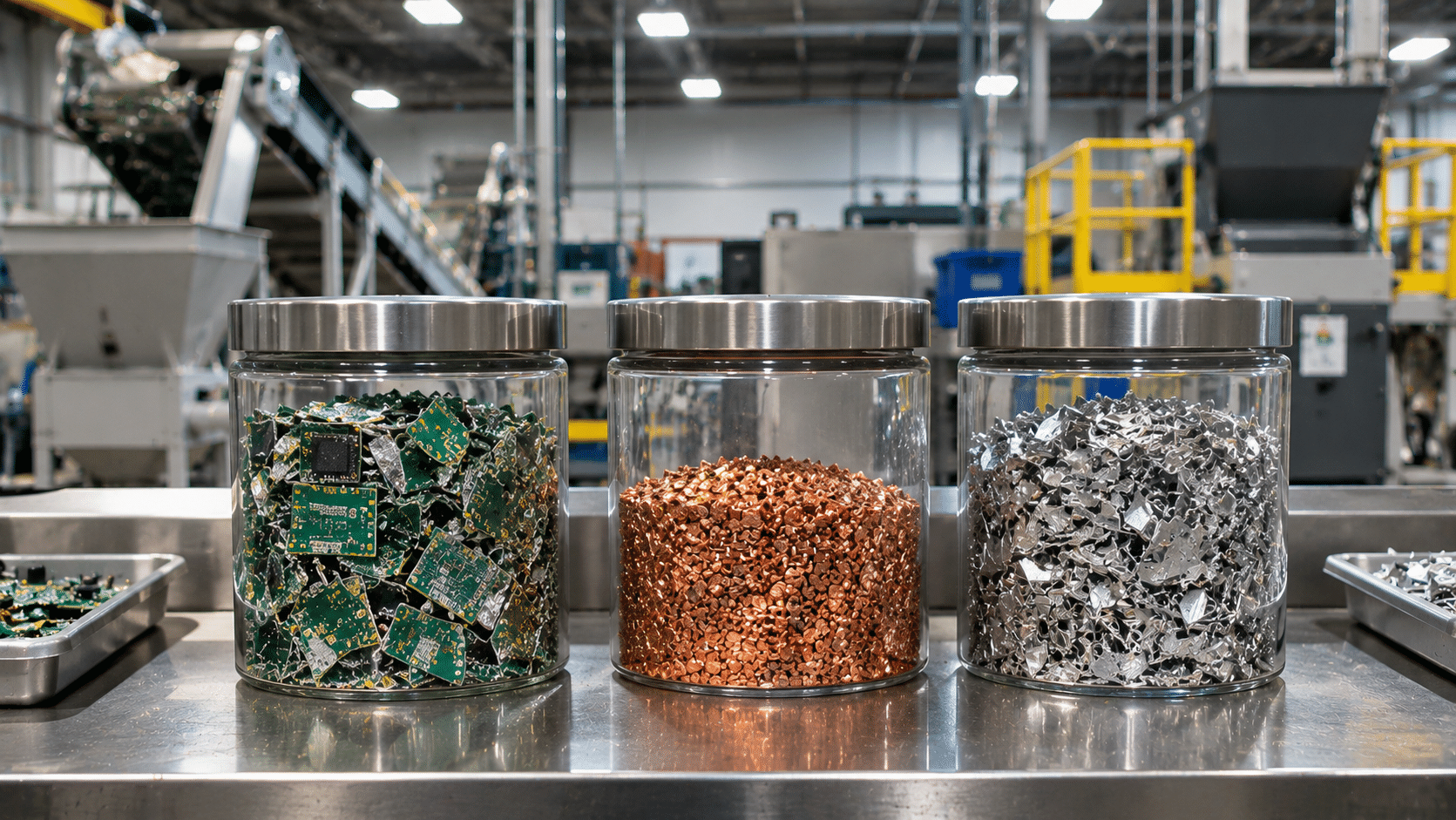
Responsible electronics recycling requires visibility into what happens to materials after collection. Retired computers, servers, circuit boards, and other electronic equipment often pass through several specialized facilities before valuable materials return to manufacturing supply chains. Understanding this process helps businesses make informed decisions about their electronics recycling partners and environmental practices.
Electronics recycling involves different processing stages, with specialized facilities handling equipment, components, and recovered materials according to their capabilities. A typical recycling chain can include three main stages:
STAGE 1 • Collection & Initial Processing
Electronics recycling partners receive retired computers, laptops, servers, and accessories. Equipment is inventoried, evaluated, and sorted according to its condition and material composition. Devices suitable for reuse may enter refurbishment programs, while other equipment is prepared for further recycling.
STAGE 2 • Specialized Material Processing
Specialized processing facilities separate electronic components and material streams. Mechanical separation, magnetic sorting, eddy-current technology, and other processes help recover metals, plastics, and additional reusable resources.
STAGE 3 • Final Material Recovery
Specialized downstream processors use metallurgical and other recovery methods to extract valuable materials from concentrated electronic fractions. Recovered copper, aluminum, precious metals, and other resources can return to manufacturing supply chains.
Responsible electronics recycling depends on accurate records at every stage. Under the R2v3 standard, applicable certified facilities must track incoming equipment, processing activities, and outgoing materials. Appendix A establishes requirements for qualifying and managing downstream vendors that handle R2-controlled streams.
Incoming Electronics → Equipment Reuse & Refurbishment + Materials Sent for Recovery + Documented Processing Residuals
Accurate inventory records and documented material movements help organizations account for collected equipment and its subsequent processing.
For businesses, useful recycling documentation can include:
Electronic equipment contains valuable materials alongside components that require specialized environmental handling. Responsible downstream management helps reduce improper disposal, supports material recovery, and keeps electronic resources circulating within established manufacturing supply chains.
International regulations and environmental requirements also influence how electronic waste can be transported across borders. The Basel Convention establishes controls for certain transboundary movements of hazardous waste, including applicable electronic waste shipments. Businesses should work with recycling partners that understand relevant transportation, environmental, and downstream processing requirements.
Before scheduling a corporate electronics collection, ask how equipment is categorized, which downstream facilities receive the materials, what documentation is available, and how reusable devices are directed toward refurbishment. These questions help businesses understand the complete recycling process and make informed decisions about their environmental reporting.
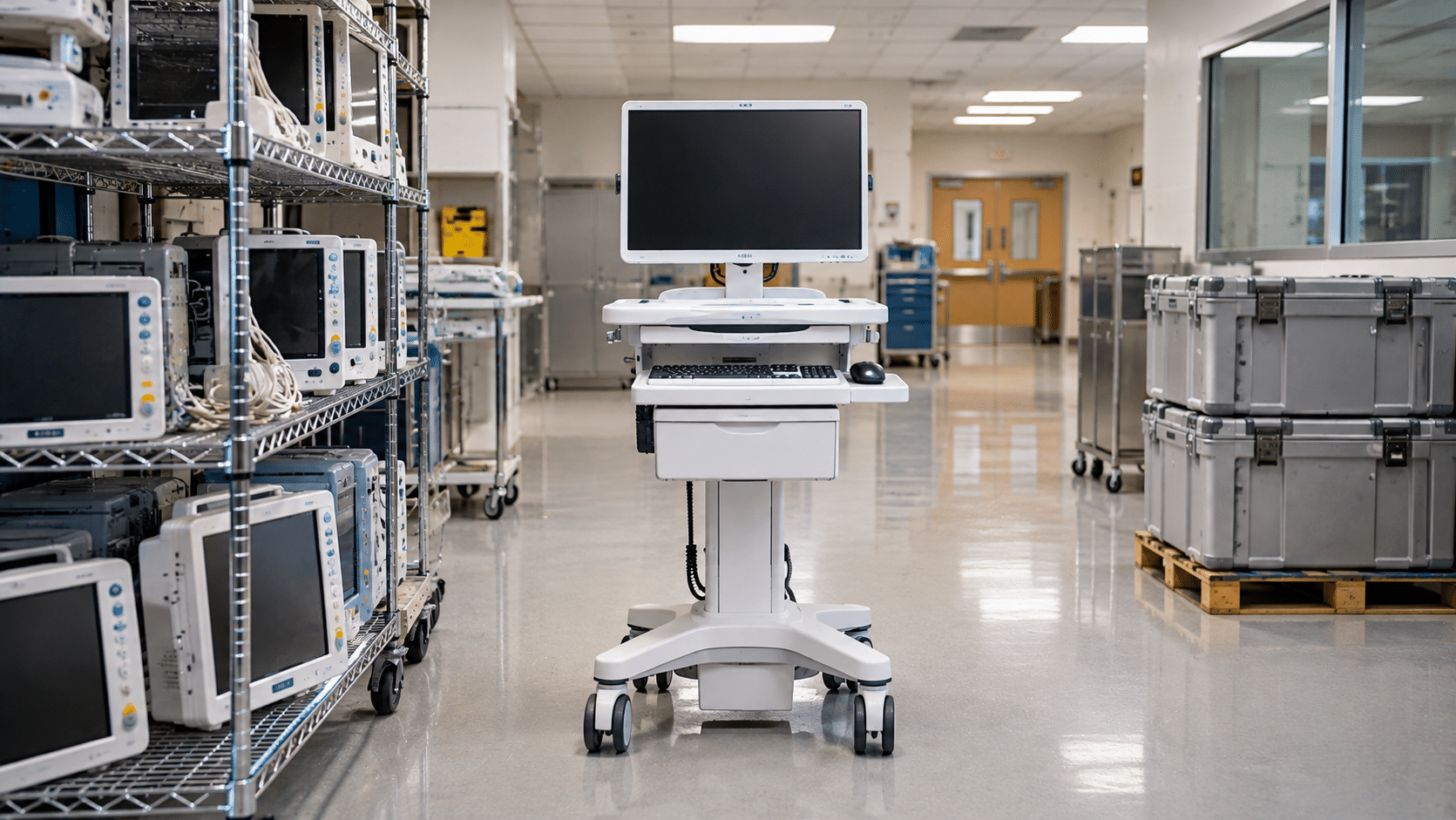
Healthcare facilities generate a wide range of electronic equipment that eventually reaches the end of its useful life. Hospitals, regional clinical networks, and medical practices regularly upgrade computers, diagnostic systems, networking equipment, and other technology. Responsible electronics recycling helps these organizations manage retired equipment while supporting material recovery, refurbishment, and environmental sustainability.
Electronic equipment in healthcare environments extends far beyond standard desktop computers. Many departments rely on specialized technology that can also become part of an organized electronics recycling program:
Mobile computer carts (COWs/WOWs), clinical tablets, bedside workstations, and electronic accessories used throughout patient care facilities.
Radiology workstations, diagnostic displays, Picture Archiving and Communication System (PACS) servers, and supporting computer equipment.
Laboratory computer systems, telemetry workstations, network gateways, servers, and other electronic equipment supporting healthcare operations.
Healthcare organizations can establish a structured electronics recycling program to coordinate equipment collection, protect operational records, and identify devices and components suitable for reuse:
Yes. Depending on their condition, age, and hardware specifications, retired computers may be suitable for refurbishment and reuse. Healthcare organizations should ensure that all applicable patient information and institutional data are handled by their authorized IT and privacy teams before equipment is released for reuse or recycling.
Organizations can maintain collection records, equipment inventories, pickup documentation, weight reports, and information about downstream recycling destinations. These records help healthcare facilities track retired technology and support internal environmental and sustainability reporting.
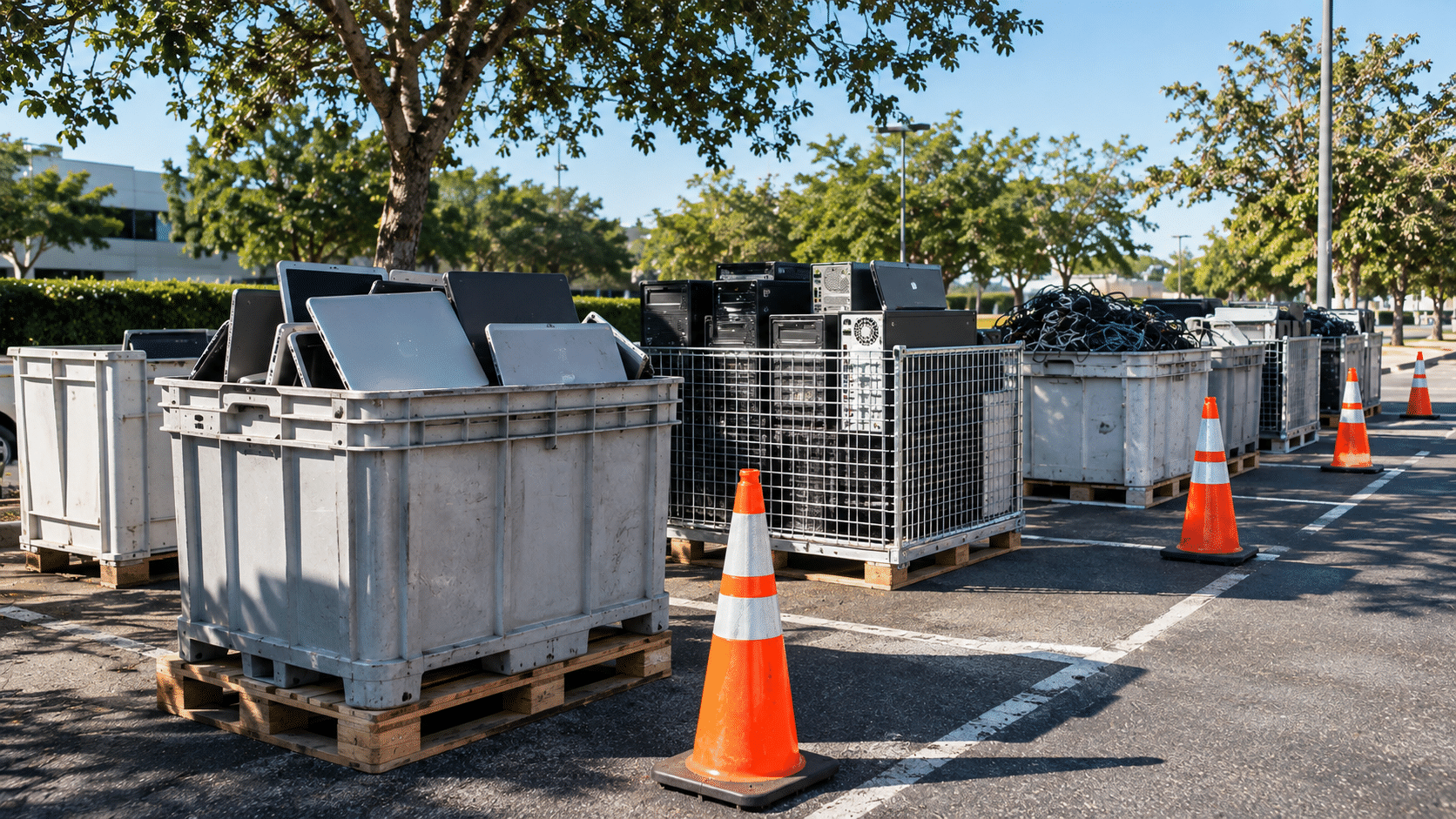
Community electronics recycling events give residents and businesses an easy way to responsibly dispose of unwanted technology. Organized collection drives help keep electronic waste out of landfills, recover valuable materials, and identify devices that can be refurbished and reused. They also bring neighbors, local businesses, and volunteers together around responsible recycling.
A successful electronics recycling event starts with a well-organized vehicle intake area. A continuous one-way traffic flow helps drivers move through the drop-off process safely while allowing volunteers to collect equipment efficiently:
Volunteers greet drivers, provide event information or educational materials, and ask about any special items that may require separate handling, such as damaged batteries or large CRT televisions.
Two to four parallel drop-off stations allow collection teams to unload electronics directly from vehicle trunks and back seats. Equipment is placed into designated collection containers for organized handling and transportation.
Volunteers and collection staff organize incoming equipment by category, separating computers, monitors, cables, accessories, and other electronics. This helps prepare devices for reuse, refurbishment, or appropriate recycling.
Clearly marked exit lanes allow vehicles to leave the collection area safely and return to nearby roads without crossing incoming traffic.
Clear communication before the event helps attendees bring accepted electronics and allows collection teams to prepare for equipment that requires specialized handling:
A well-organized volunteer team helps keep collection stations running smoothly while supporting a safe and welcoming experience for everyone:







Did you enjoy our latest blog articles just above?
Subscribe to receive new stories, insights, and impact updates straight to your inbox.
We’ll send you curated content about our partners, recycling strategies, success stories, and how your involvement is driving change through technology access and digital empowerment.
💡 No spam, just the smart stuff.